


Description
Download Super MP3 Download – mp3, music, download, free, songs, audio, streaming, playlist, mobile, app, android, ios, audio quality, music library, search, trending
Overview
Super MP3 Download is a mobile application designed for music enthusiasts seeking a straightforward way to stream and download songs directly to their devices. The app positions itself as a convenient tool for users who want access to a vast library of music without the need for subscription fees. With its focus on free access and user-friendly navigation, it serves individuals looking to build a personal music collection offline. The target audience includes casual listeners, students, and anyone who values music accessibility without financial commitment.
Although the developer did not provide additional background on the company or development history, the app’s release date of June 14, 2016, suggests it has been available in the mobile ecosystem for several years. Its continued presence may indicate a stable user base or consistent functionality over time. The app operates within the Android platform, offering a lightweight solution with a file size of 20 MB, which is suitable for devices with limited storage capacity.
Real-world use cases include downloading music for offline listening during commutes, workouts, or travel. The ability to select audio quality settings also supports users who prioritize sound fidelity. In the broader app ecosystem, Super MP3 Download fills a niche for free music access tools, particularly in regions where premium streaming services are less accessible or cost-prohibitive.
Key Features & Functionality
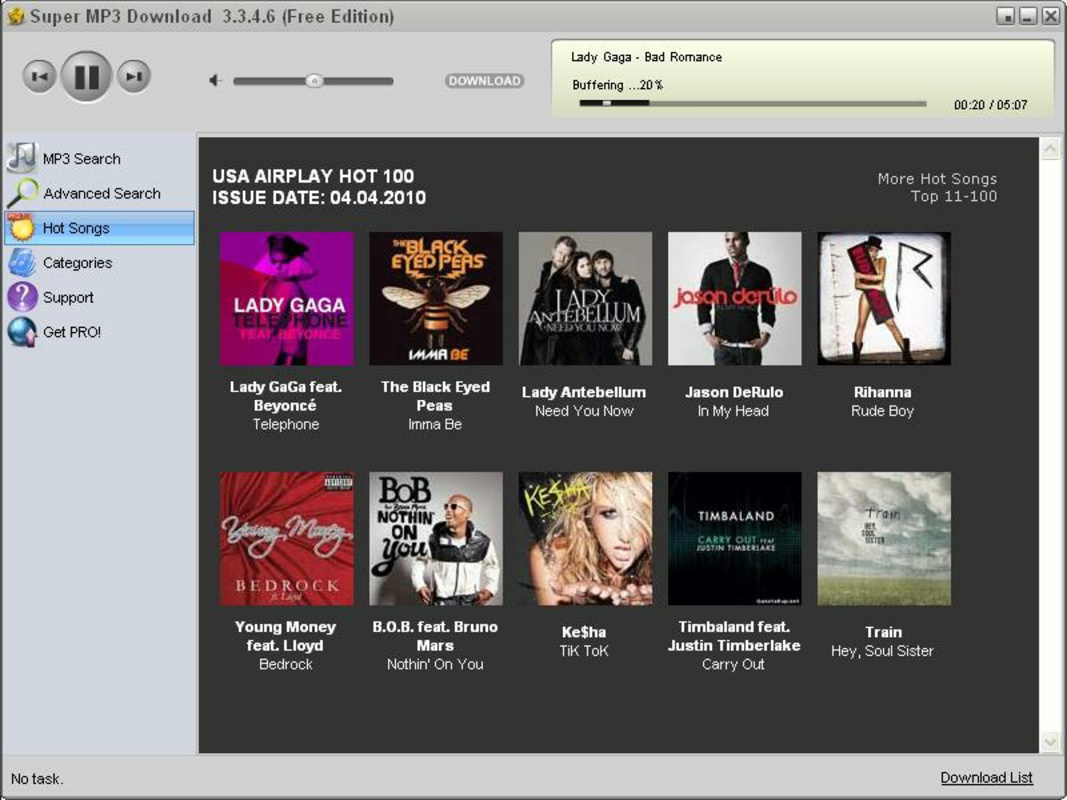
- Intuitive Interface: The app features a clean and easy-to-navigate layout that simplifies the process of finding and downloading music. Users can explore the library without needing prior technical knowledge, making it accessible to a wide range of audiences.
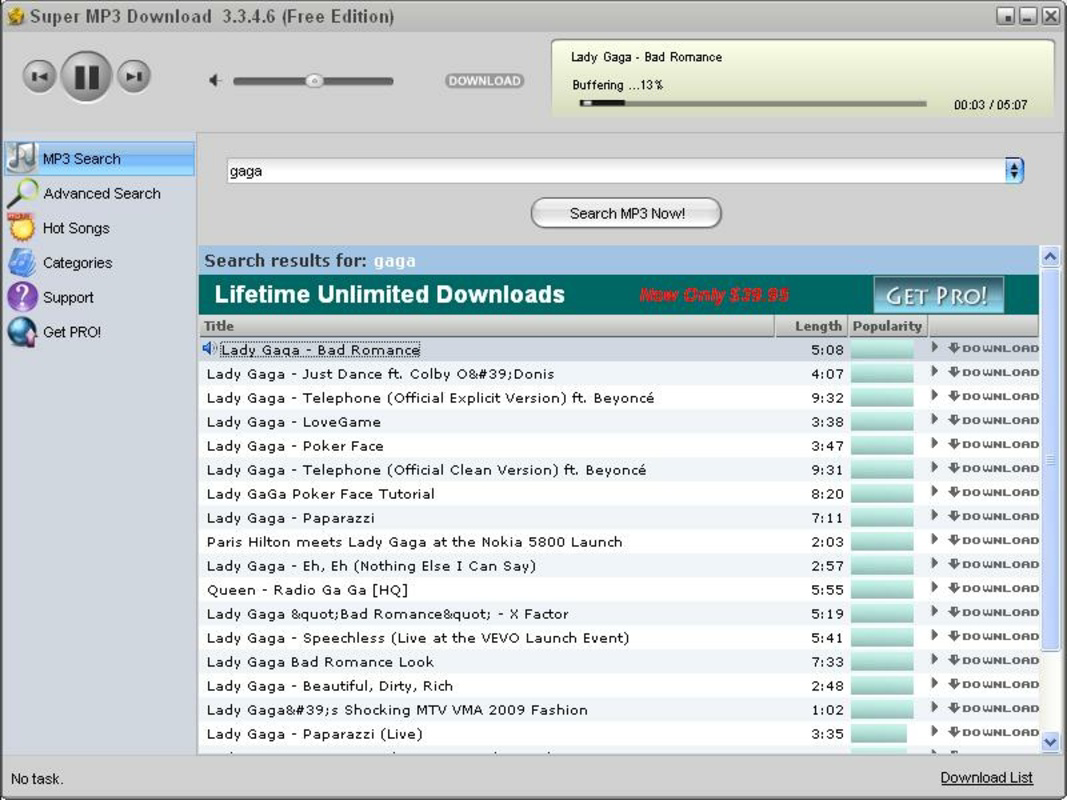
- Advanced Search Functions: With dedicated search tabs, users can locate songs, artists, or albums quickly. This functionality supports both precise queries and broader discovery, enhancing the overall music exploration experience.
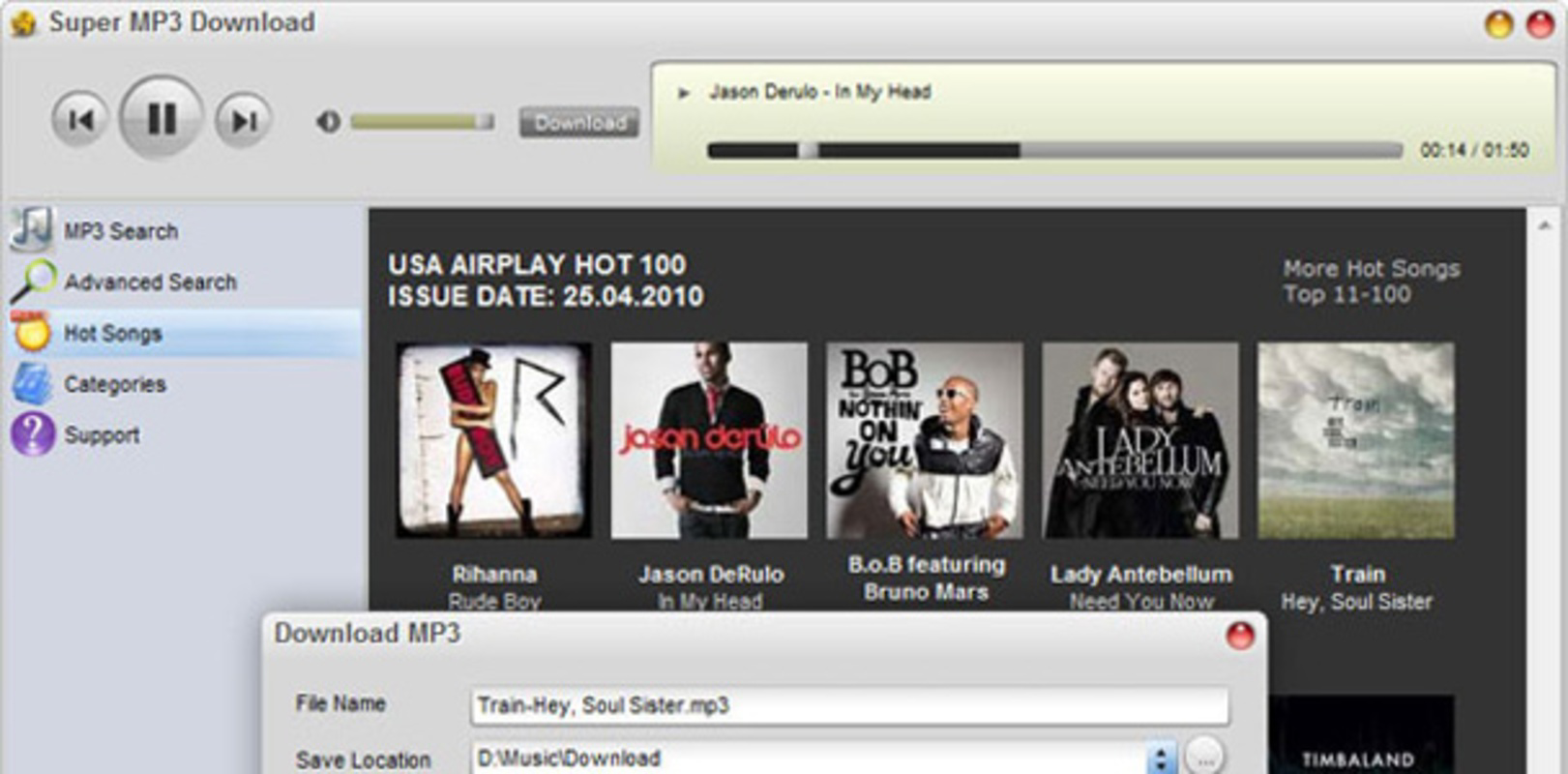
- Audio Quality Selection: Before downloading, users can choose from various audio quality settings. This feature allows listeners to balance file size and sound clarity based on their device capabilities and personal preferences.
- Free Music Access: The app offers full access to its music catalog at no cost, enabling users to download songs without subscription or in-app purchases.
- Extensive Music Library: With millions of songs available, the app supports diverse musical tastes across genres, ensuring users can find content that matches their preferences.
For example, a student preparing for a study session might use the advanced search to find instrumental tracks, then select a higher audio quality for a more immersive experience. Similarly, a commuter could download trending songs before a long train ride to enjoy offline. These practical applications demonstrate how the app’s features translate into real-life benefits.
Interface, UX & Performance
The user interface of Super MP3 Download is designed with simplicity in mind, emphasizing clarity and ease of use. Navigation appears to be structured around core functions—search, browse, and download—ensuring users can perform essential tasks with minimal effort. Visual elements are likely optimized for readability, with intuitive icons and consistent layout patterns across screens.
Although the developer did not list formal performance metrics, the app’s 20 MB file size suggests it is lightweight and likely optimized for devices with moderate hardware specifications. This makes it suitable for older or budget Android smartphones that may struggle with larger applications. Responsiveness is expected to be adequate for basic operations such as searching, browsing, and initiating downloads.
Stability during extended use has not been publicly documented. However, the app’s long-standing presence since 2016 may indicate consistent reliability. Users should expect standard performance levels typical of similar music download tools, though actual experience may vary based on network conditions and device capabilities.
Platform Compatibility & Technical Requirements
Super MP3 Download is available exclusively on the Android platform. The app’s current version is 1.0, and it occupies 20 MB of storage space. These specifications suggest a lightweight design intended for broad compatibility across various Android devices.
The developer did not specify minimum OS requirements or device compatibility details. As such, users should verify whether the app runs on their specific device model and Android version. While the app has been available since 2016, it may not support the latest Android updates without a version update from the developer.
For users considering installation, it is recommended to check device compatibility before proceeding. The absence of iOS availability means that Apple device users cannot access the app through official channels.
Pros and Cons
Pros
- Free access to a large music library without subscription fees
- Lightweight design with a 20 MB file size
- Intuitive interface suitable for users of all experience levels
- Supports audio quality selection for personalized download preferences
- Advanced search functionality enhances music discovery
Cons
- Platform availability limited to Android only
- Specific OS requirements were not disclosed
- No information on update frequency or developer support
- Compatibility with newer Android versions is uncertain
- No official mention of content licensing or legal compliance
FAQ
Is Super MP3 Download safe to install?
The app is available through third-party sources. Users should ensure they download from trusted platforms to reduce security risks. Always review permissions before installation.
Can I use Super MP3 Download on iOS devices?
No, the app is currently only available for Android. There is no official version for iOS or other platforms.
Does Super MP3 Download require an internet connection?
Yes, an active internet connection is required to search for, stream, and download music. The app does not support offline browsing of the full library.
How often is the app updated?
The developer did not provide information on update frequency. Users should monitor for updates manually if available.
Are the downloaded songs legally licensed?
The app’s content licensing model was not disclosed. Users should be aware of local copyright laws when downloading music.
Final Thoughts
Super MP3 Download offers a straightforward solution for Android users seeking free access to a vast collection of songs. Its lightweight design, intuitive interface, and customizable audio quality settings make it a practical choice for those building offline music libraries. While the lack of official iOS support and unclear update history are notable limitations, the app remains functional for its intended purpose.
It is particularly valuable for users in regions with limited access to premium streaming services or those who prefer to avoid recurring costs. The ability to search for trending tracks and download them at various quality levels adds significant utility.
Download Super MP3 Download now
Guides & Tutorials for Super MP3 Download
How to install Super MP3 Download
- Click the Preview / Download button above.
- Once redirected, accept the terms and click Install.
- Wait for the Super MP3 Download download to finish on your device.
How to use Super MP3 Download
This software is primarily used for its core features described above. Open the app after installation to explore its capabilities.
User Reviews for Super MP3 Download 0
No reviews found


